
«Hey Davra» and @Davra
Call it by voice or address it with @ in a group.
If you say the agent’s name while the app is open, it opens in voice mode — the phone’s own speech recognition service is used, and nothing is sent to the server. In a group, write «@Davra summarize» or «@Davra create a poll…» — the response will appear in the group itself. You can choose the speech language separately.
🧭 How to use
- 1
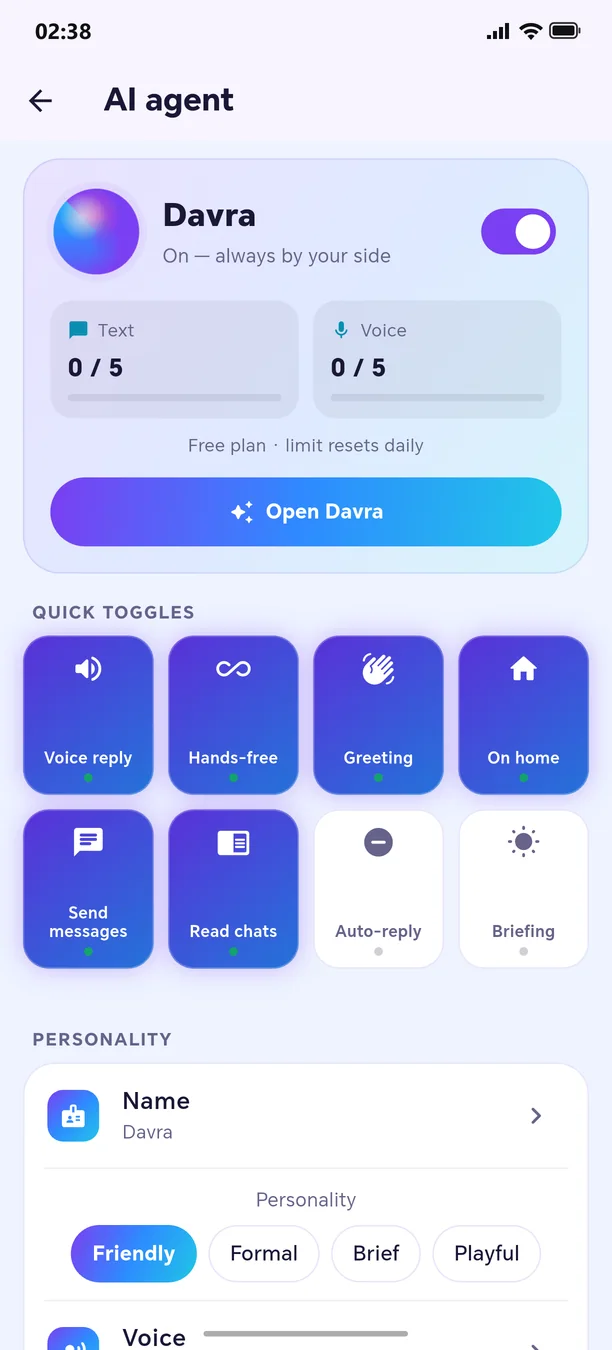
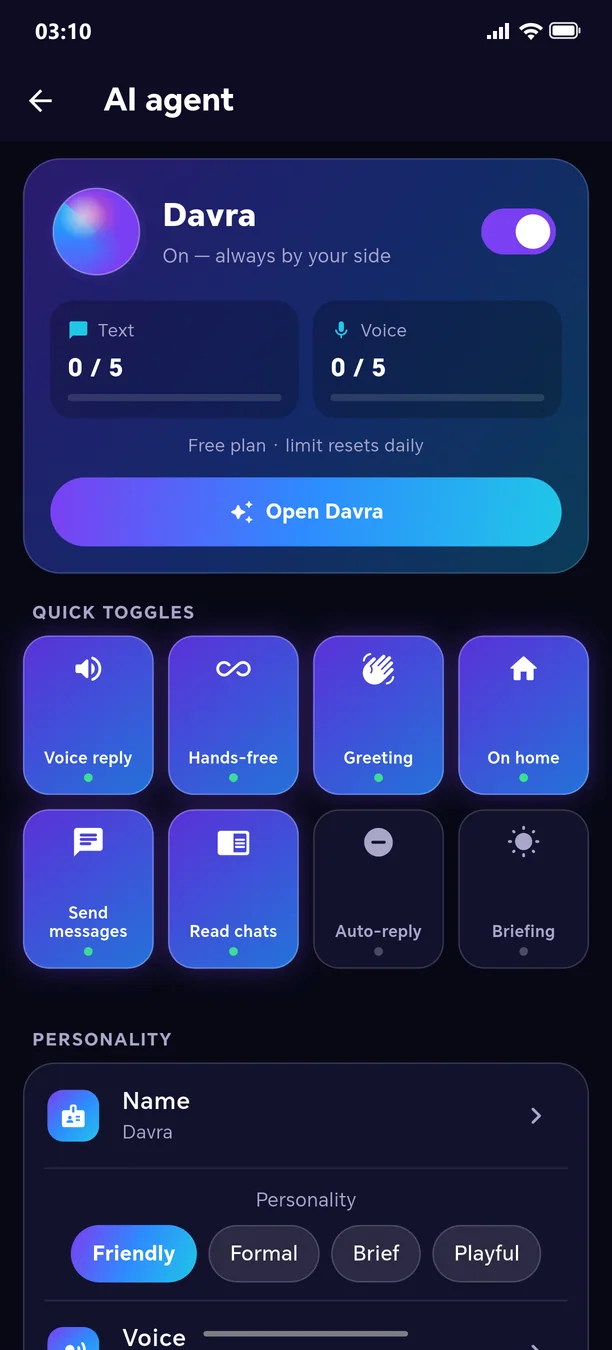
AI agent → Turn on the «Hey Davra» keyword
- 2
Write «@Davra …» in the group
Other features in this section
Davra agent panelNew
Give it a command by text or voice — it carries it out.
More detailsName, personality, and voiceNew
Name your agent and choose its personality and voice.
More detailsPermissions — you decideNew
Control what the agent can do with toggles.
More detailsMemory and autopilotNew
It remembers important things and reminds you of birthdays.
More details«ai …» and smart suggestions inside the chat
Ask AI in any conversation — it knows the content of the conversation.
More detailsAn agent connected to the knowledge sectionsNew
Verses, hadiths, tafsir, duas, prayer times, law articles — from the source.
More detailsCommunication habits
Who's waiting on your reply — visible only to you.
More details
Welcome to the next-generation messenger
Free. No ads. Get started in one minute.