
Sounds and notifications
Sounds made for Davra, and quiet hours.
Separate sounds for new messages, in-chat messages and sent messages, 12 notification sounds and a sound you upload yourself. Reply right from a notification, listen to a voice message and “Mark as read”. “Quiet hours” — everything is silent except the contacts you choose; turn vibration and haptic feedback on or off, and mute any chat.
🧭 How to use
- 1
Settings → “Notifications & sounds”
- 2
Set up sounds, vibration and quiet hours
Other features in this section
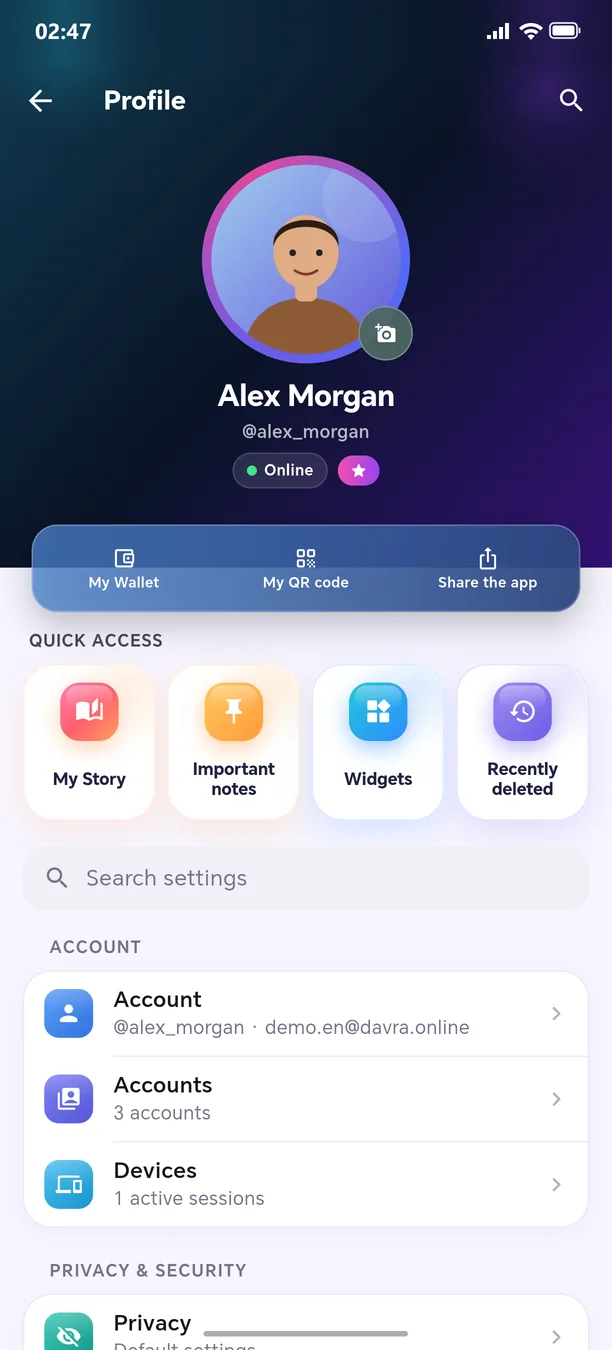
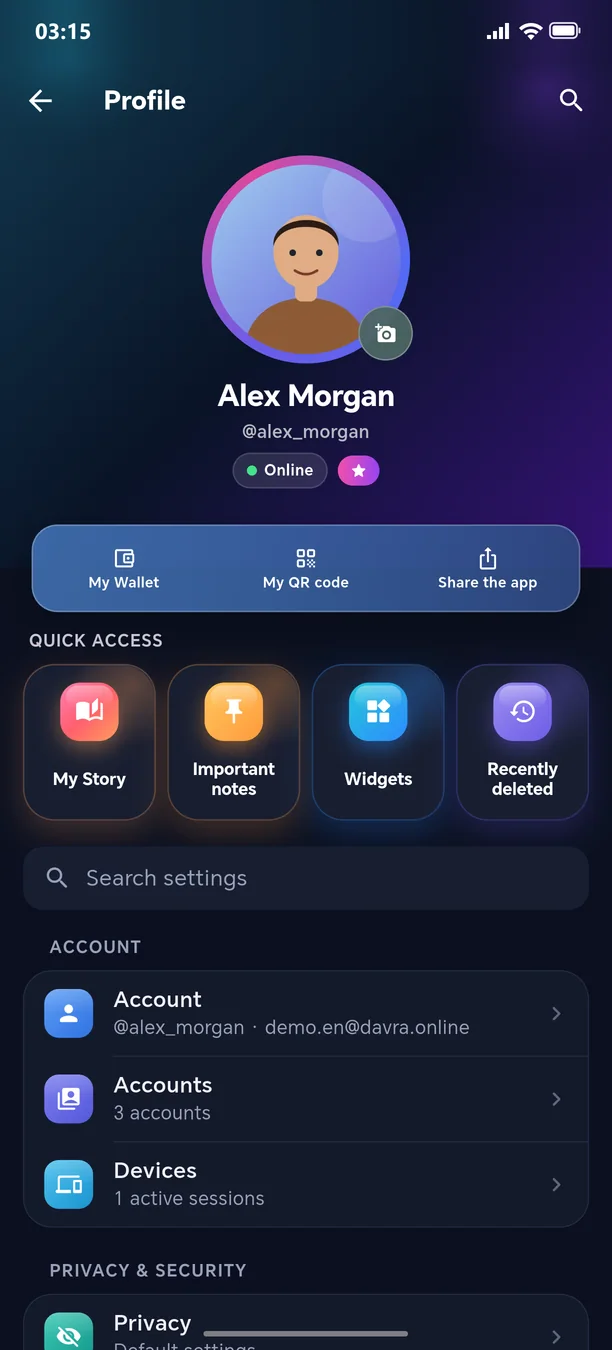
Light and dark theme
Bright during the day, easy on the eyes at night.
More detailsWorld themesNew
Ember, Meadow, Ice — the whole app becomes a living world.
More details18 languages
Uzbek, Russian, English, Arabic, and 14 more languages.
More detailsLive wallpapers
7 live scenes — that respond to your messages.
More detailsHome screen and widgets
A quick folder and more than ten widgets for your phone's home screen.
More detailsApp iconAndroid
Choose a classic or floral icon.
More details
Welcome to the next-generation messenger
Free. No ads. Get started in one minute.