
Virtual classroom
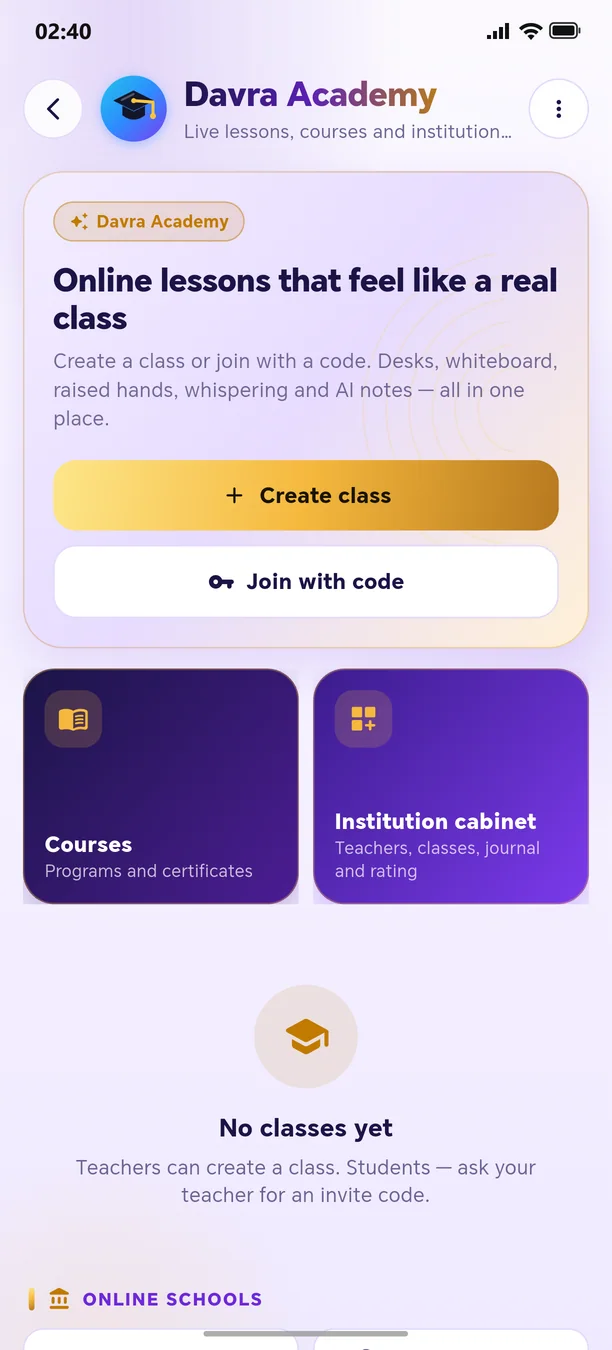
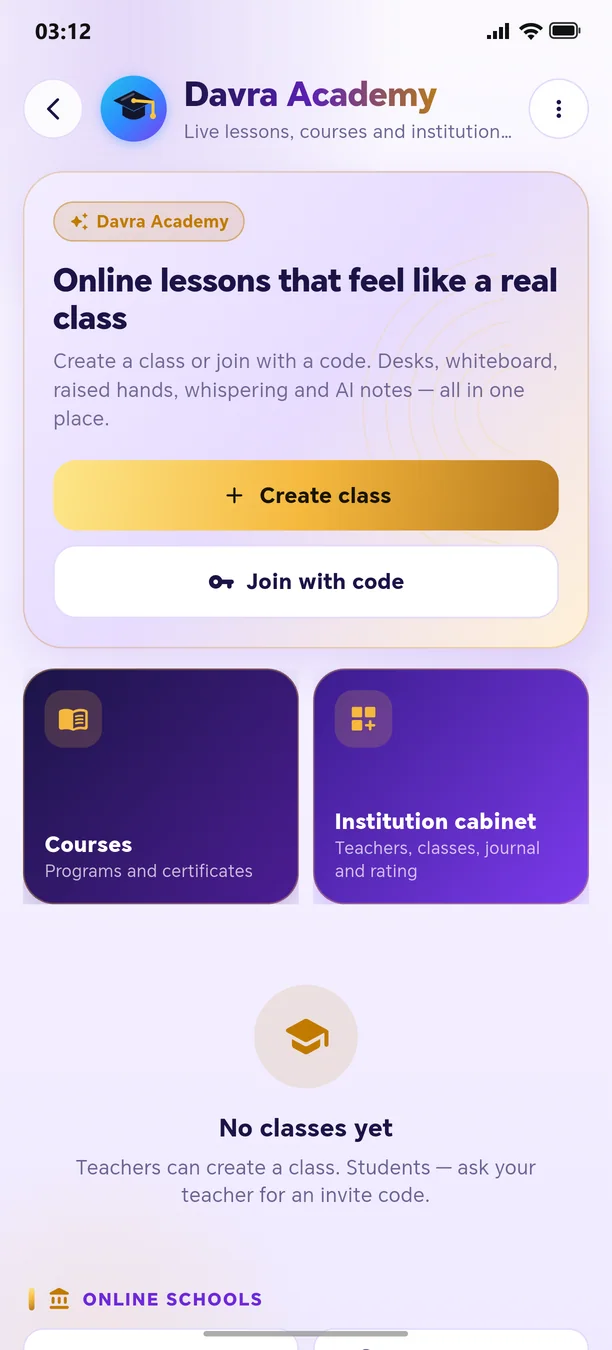
Desks, a blackboard, hand-raising, and whispering.
Create a class or join using a code. During a live lesson, the teacher writes on the board, the student raises their hand, and taps the “understood/didn’t understand” icon. The teacher gives them the floor, brings them onto the stage, manages the microphones, and divides the students into group tables.
🧭 How to use
- 1
Davra Live → Academy → “Create a class”
- 2
Send the invitation code to the students
- 3
“Start lesson” — all students will receive a notification
Other features in this section
Live board and tests
Draw together, conduct a quick test and a game-based test.
More detailsHomework, gradebook and diary
Assign, check and grade work.
More detailsCourses and certificates
Modular course, exam and verifiable certificate.
More detailsParent mode
Child’s attendance, grades and assignments.
More detailsInstitution dashboard
School or center: teachers, classes, ratings.
More detailsClass schedule and PIN protection
A reminder 10 minutes before the lesson.
More details
Welcome to the next-generation messenger
Free. No ads. Get started in one minute.