
🏪
Open a store
Name, logo, cover, catalog, and business hours.
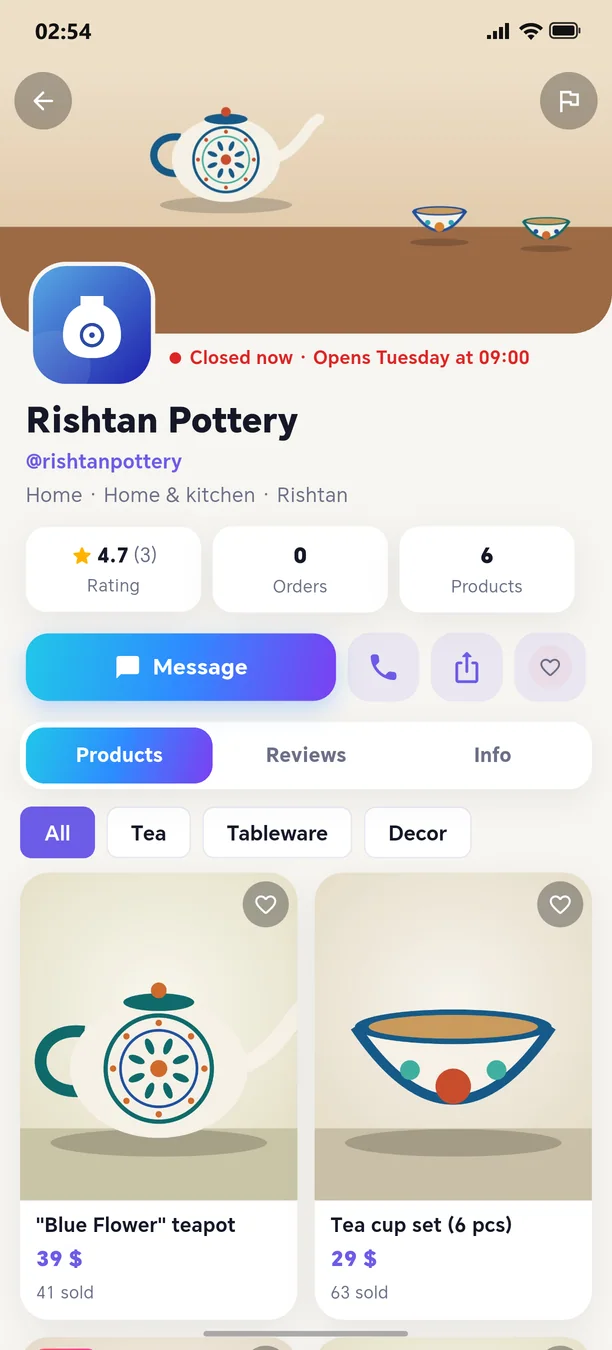
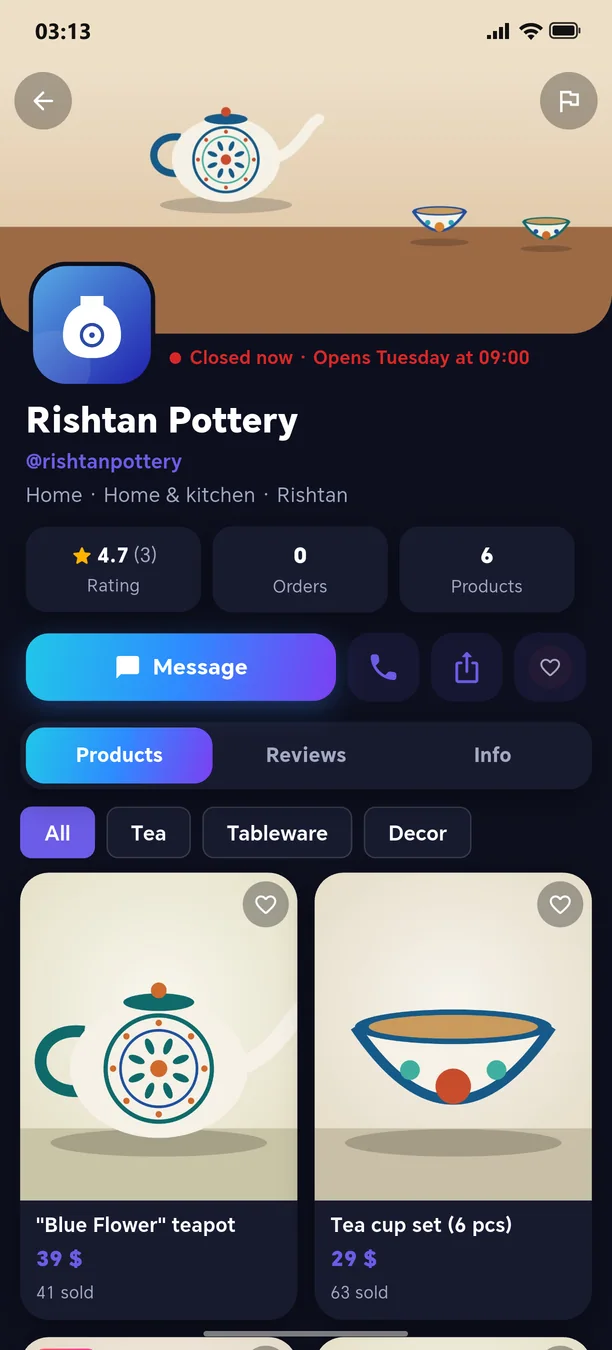
Enable a business profile, choose a unique store name, add a logo and cover, and set your business hours and location on the map. After you add products, the store will appear in the marketplace.
🧭 How to use
- 1
Settings → Davra Business
- 2
Enable the business profile and fill in the details
- 3
Add a product to the catalog
Other features in this section

Welcome to the next-generation messenger
Free. No ads. Get started in one minute.