
File, location, and contact
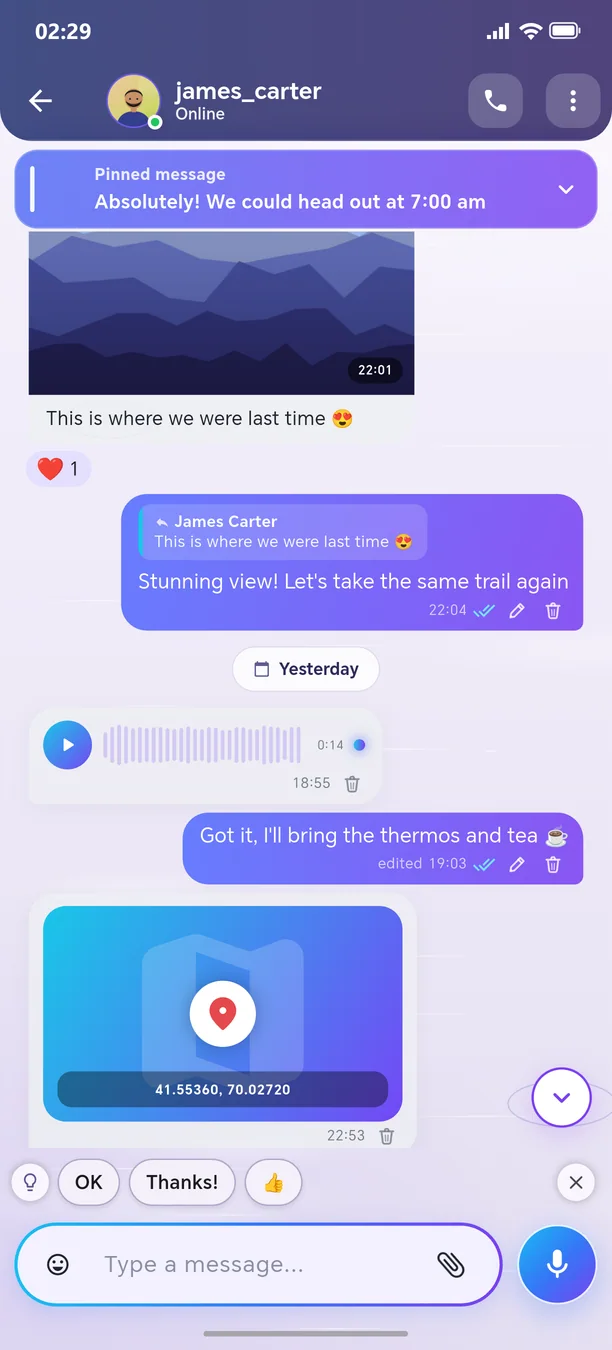
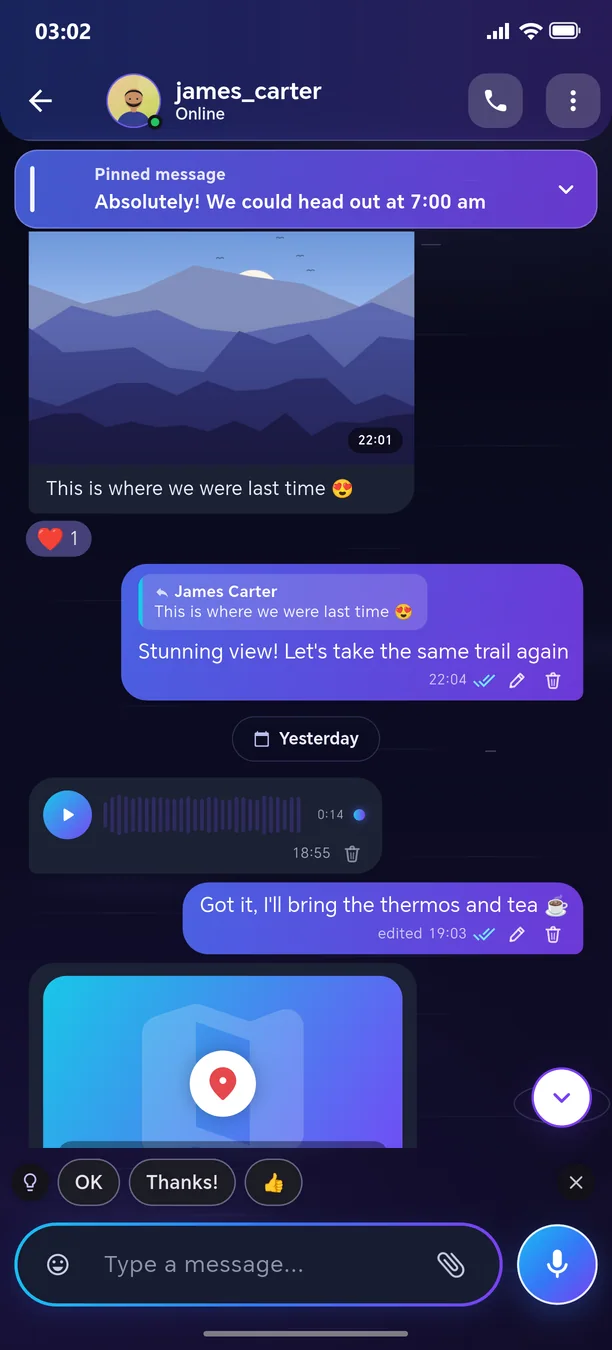
Send a document, PDF, map location, or contact.
You can send any document (PDF, Word, Excel, or archive). Share your location once or live. The document scanner turns paper into a clear PDF using the camera.
🧭 How to use
- 1
Tap the Paperclip button
- 2
Select File, Location, Contact, or Scanner
- 3
Send the selected item
Other features in this section
Private chat
Fast, beautiful, and lively messaging.
More detailsVoice messages
One tap — record and send; choose the playback speed.
More detailsPhotos, videos, and albums
Send multiple photos as one beautiful album.
More detailsLive location
Show your route in real time for a specified period.
More detailsReactions and menu
Respond to the message with an emoji — with animation.
More detailsReply, quote, and discuss
Reply to the message and quote the relevant part.
More detailsEditing and quick deletion
Correct a mistake or delete the message with one tap.
More detailsPinned messages
An important message always stays at the top of the chat.
More detailsForward and reply in another chat
Forward a message to another conversation or reply there.
More detailsSwipe to select
Select dozens of messages in one motion.
More detailsSmart text
Links, numbers, cards, @names and #tags — one tap away.
More detailsRingtones from any audio
Turn a voice message or a song into a ringtone.
More details
Welcome to the next-generation messenger
Free. No ads. Get started in one minute.