
👥
Group chats
Admins, invite links, and join requests.
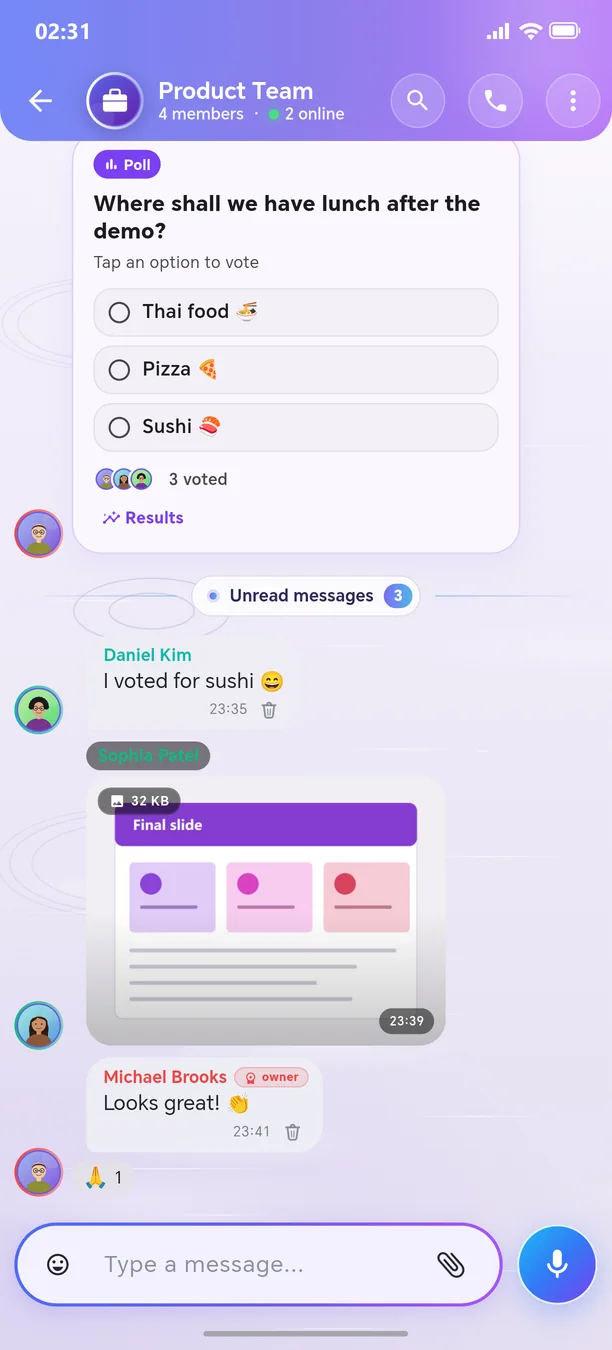
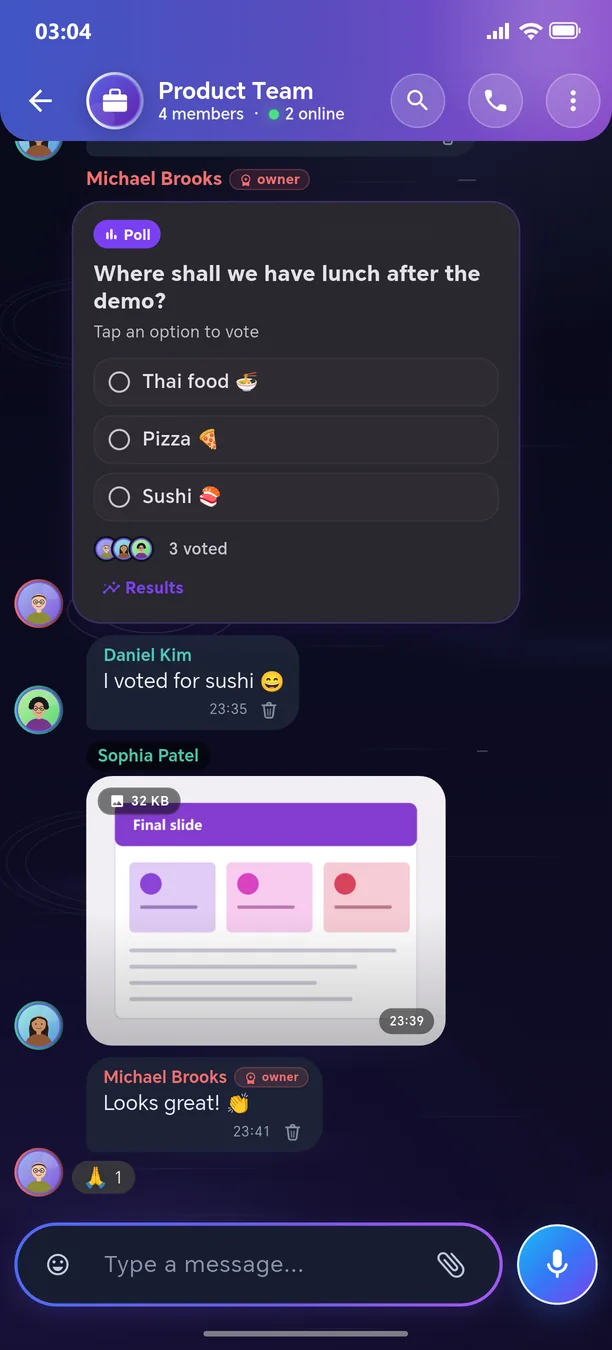
Create a group, add members, or share an invite link. Admins manage members and can enable join approval. The number of unread messages is counted separately for each member.
🧭 How to use
- 1
Chats → “Groups” → ➕
- 2
Choose a name, photo, and members
- 3
Send the invite link to your friends
Other features in this section
👁️
Private reply
A reply visible only to one person within the group.
More details✅
Tasks
Decide who will do what within the group itself.
More details💰
Split expenses
Who paid how much and who owes whom.
More details📊
Polls
Anonymous votes, quizzes and auto-close.
More details🎤
Taking turns speaking
Organize who speaks next.
More details✨
Summary of missed messages
100 unread messages? AI will provide a brief summary.
More details📊
Group pulse and search
How active a group is — at a glance.
More details
Welcome to the next-generation messenger
Free. No ads. Get started in one minute.