
Reply, quote, and discuss
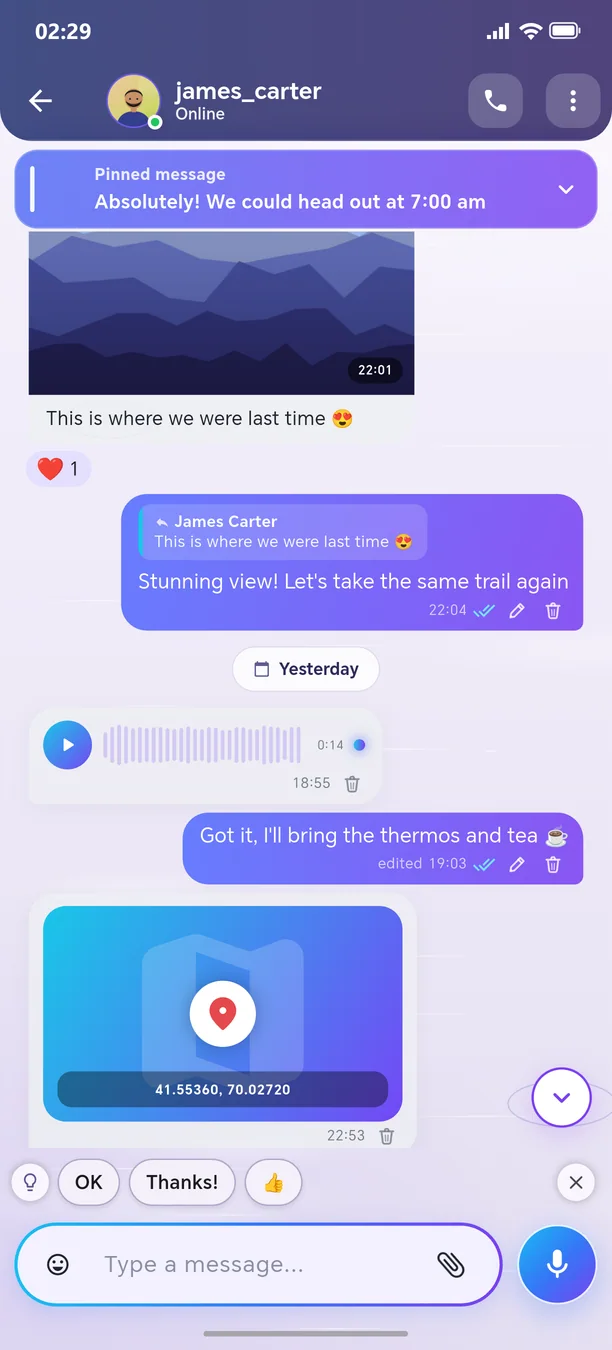
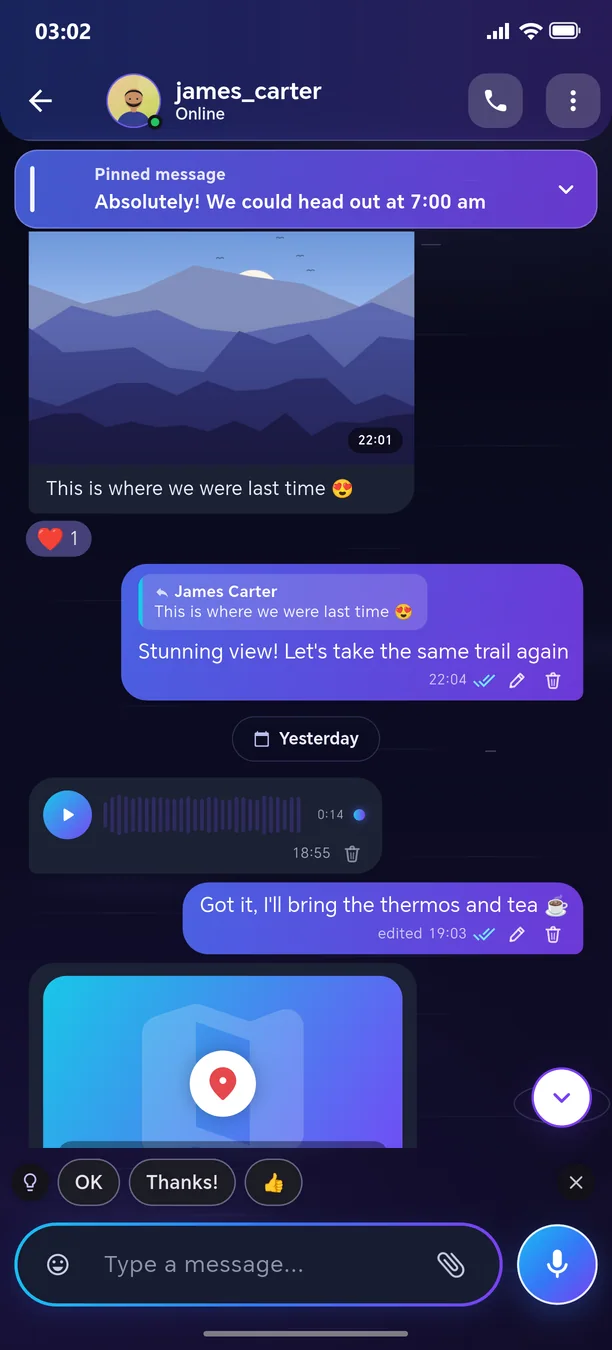
Reply to the message and quote the relevant part.
Swipe the message right — the reply panel opens. If you want to reply to only part of the text, select the relevant excerpt via “Quote.” If several replies are added to a message, the “↩ N” indicator appears — tap it to open the entire discussion in a separate window.
🧭 How to use
- 1
Swipe the message right
- 2
Use the ✏️ icon in the reply panel to select the quoted part
- 3
Write and send your reply
Tap the reply line to automatically jump to the original message.
Other features in this section
Private chat
Fast, beautiful, and lively messaging.
More detailsVoice messages
One tap — record and send; choose the playback speed.
More detailsPhotos, videos, and albums
Send multiple photos as one beautiful album.
More detailsFile, location, and contact
Send a document, PDF, map location, or contact.
More detailsLive location
Show your route in real time for a specified period.
More detailsReactions and menu
Respond to the message with an emoji — with animation.
More detailsEditing and quick deletion
Correct a mistake or delete the message with one tap.
More detailsPinned messages
An important message always stays at the top of the chat.
More detailsForward and reply in another chat
Forward a message to another conversation or reply there.
More detailsSwipe to select
Select dozens of messages in one motion.
More detailsSmart text
Links, numbers, cards, @names and #tags — one tap away.
More detailsRingtones from any audio
Turn a voice message or a song into a ringtone.
More details
Welcome to the next-generation messenger
Free. No ads. Get started in one minute.