
Voice messages
One tap — record and send; choose the playback speed.
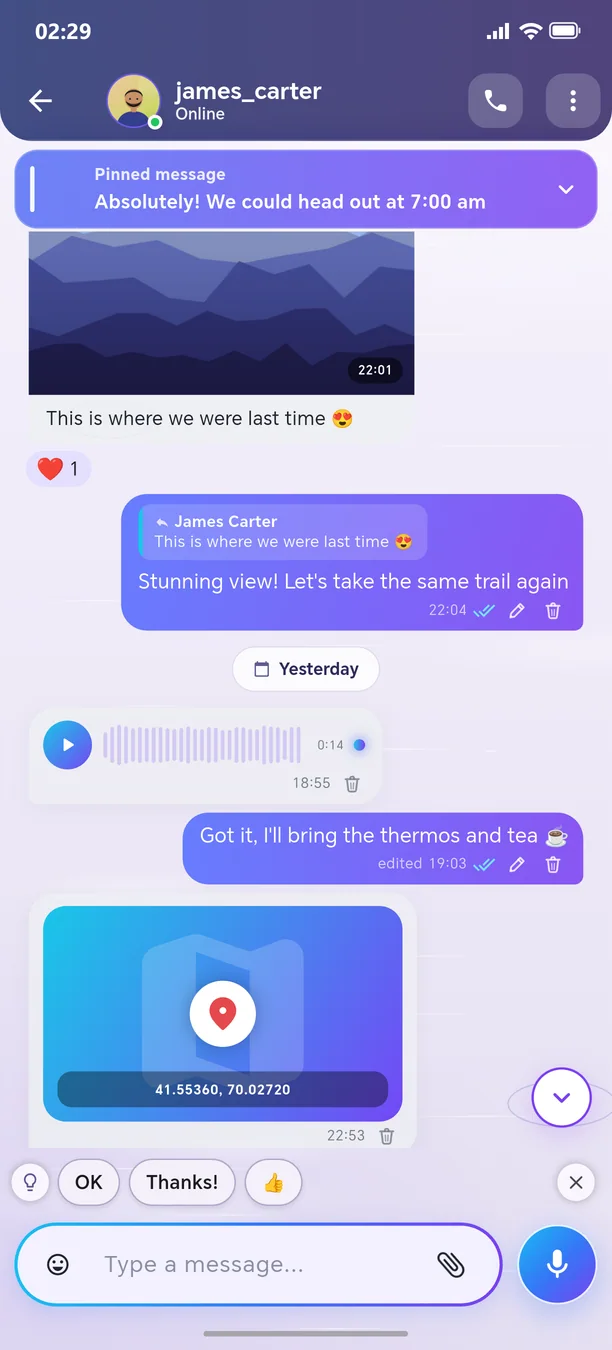
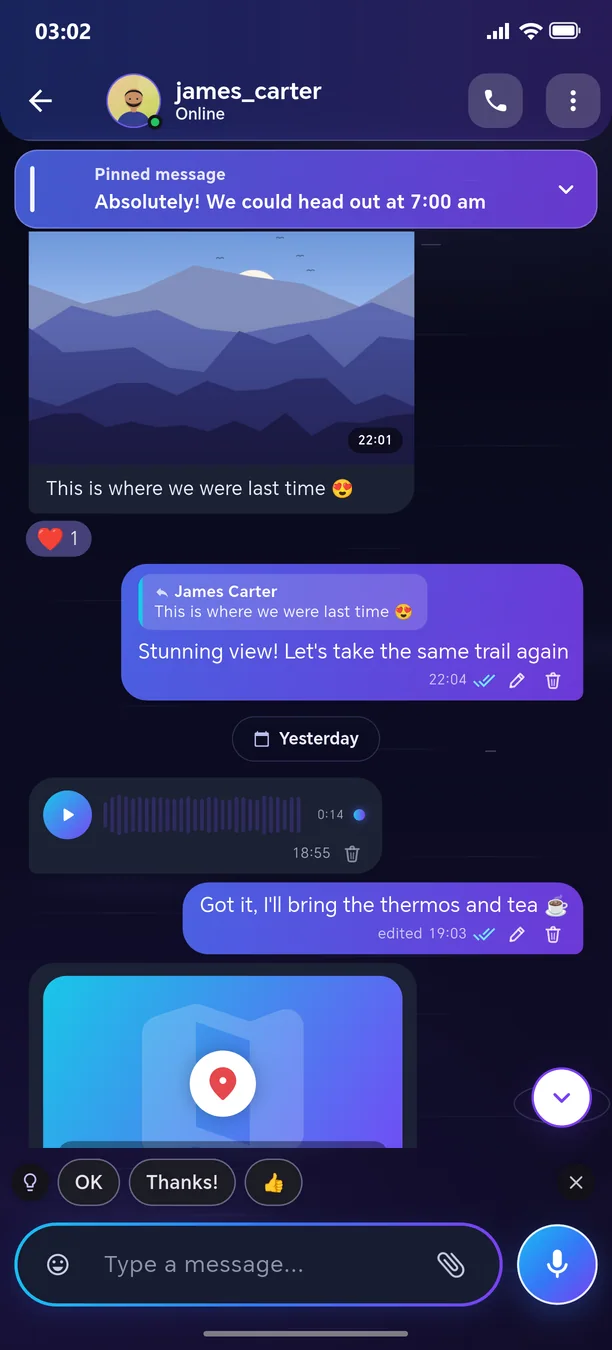
Press and hold the mic button to record your voice. Recording keeps going even if you switch to another screen. When listening, you can change the speed, jump anywhere along the waveform and auto-play consecutive messages. Hold the phone to your ear and audio switches to the earpiece. After sending, you see who listened: the headphone icon is gray (delivered), blue (being played) or green (listened to the end). In a group, tap it to open the “Who listened” list.
🧭 How to use
- 1
Press the microphone next to the message field
- 2
Speak — a waveform will appear on the screen
- 3
Press the Send button or cancel
Add a bookmark to a voice message and find its important part later with a single tap.
Other features in this section
Private chat
Fast, beautiful, and lively messaging.
More detailsPhotos, videos, and albums
Send multiple photos as one beautiful album.
More detailsFile, location, and contact
Send a document, PDF, map location, or contact.
More detailsLive location
Show your route in real time for a specified period.
More detailsReactions and menu
Respond to the message with an emoji — with animation.
More detailsReply, quote, and discuss
Reply to the message and quote the relevant part.
More detailsEditing and quick deletion
Correct a mistake or delete the message with one tap.
More detailsPinned messages
An important message always stays at the top of the chat.
More detailsForward and reply in another chat
Forward a message to another conversation or reply there.
More detailsSwipe to select
Select dozens of messages in one motion.
More detailsSmart text
Links, numbers, cards, @names and #tags — one tap away.
More detailsRingtones from any audio
Turn a voice message or a song into a ringtone.
More details
Welcome to the next-generation messenger
Free. No ads. Get started in one minute.