
📞
Voice call
Clear audio, speaker and headset switching.
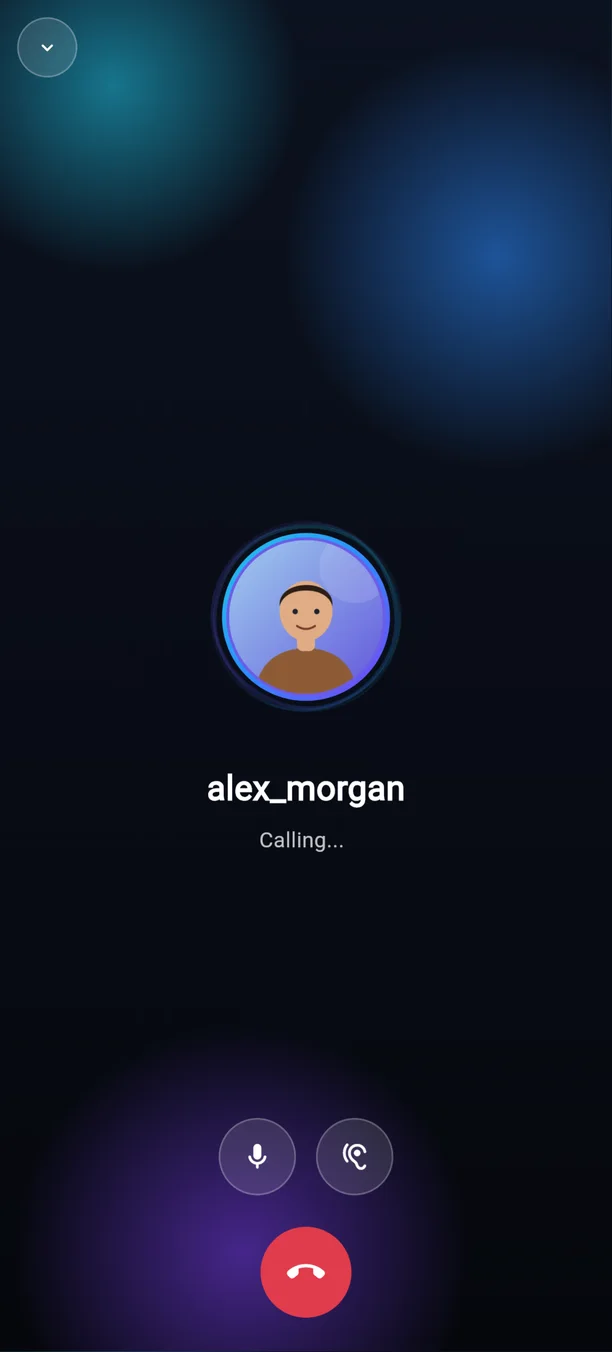
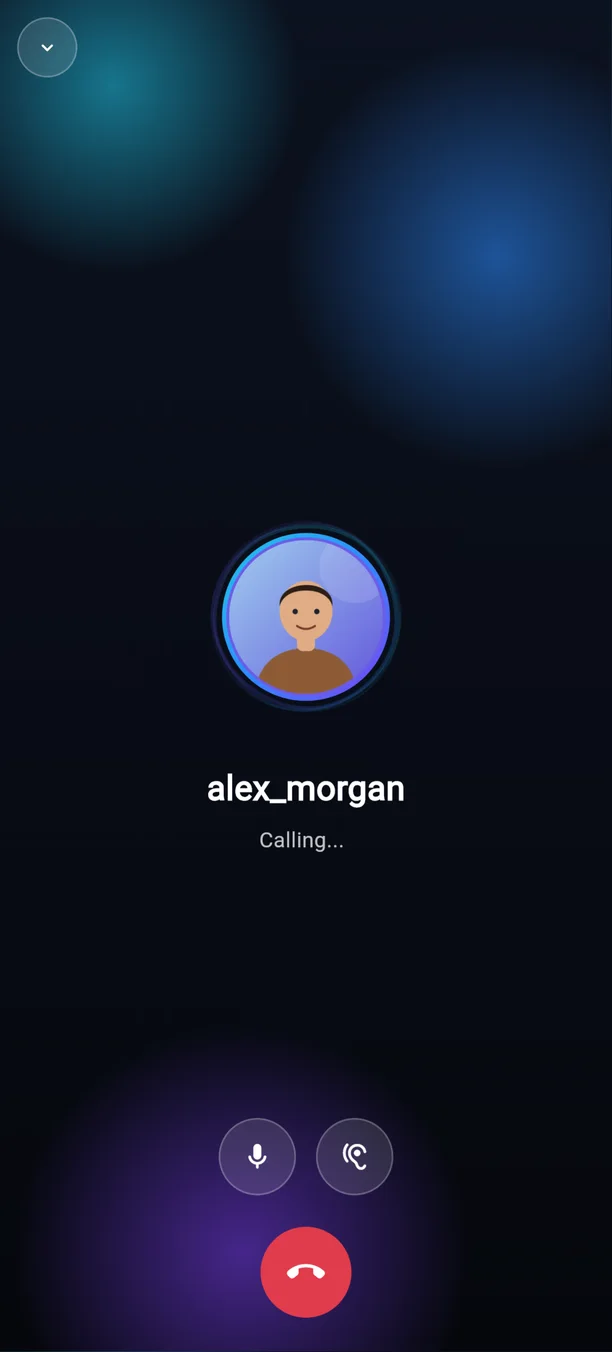
Make a call with one tap. The connection quality indicator shows the network status; if the connection drops, the call reconnects automatically. If the person is busy, they will receive a «busy» signal. The call appears full-screen even when the phone is locked or the app is closed.
🧭 How to use
- 1
Open the chat
- 2
Tap the 📞 button at the top
- 3
Use the speaker, microphone, and Bluetooth buttons
Other features in this section
🎥
Video call
Crisp video starting at 720p.
More details🖥️
Share screenAndroid
Show your phone screen to the other person.
More details⏺️
Record a callAndroid
Only with consent — audio or video.
More details👨👩👧👦
Group calls and conferences
Up to 300 people — turn even a regular call into a conference.
More details🔔
Call ringtones
16 signature ringtones and 12 notification sounds.
More details
Welcome to the next-generation messenger
Free. No ads. Get started in one minute.