
Group calls and conferences
Up to 300 people — turn even a regular call into a conference.
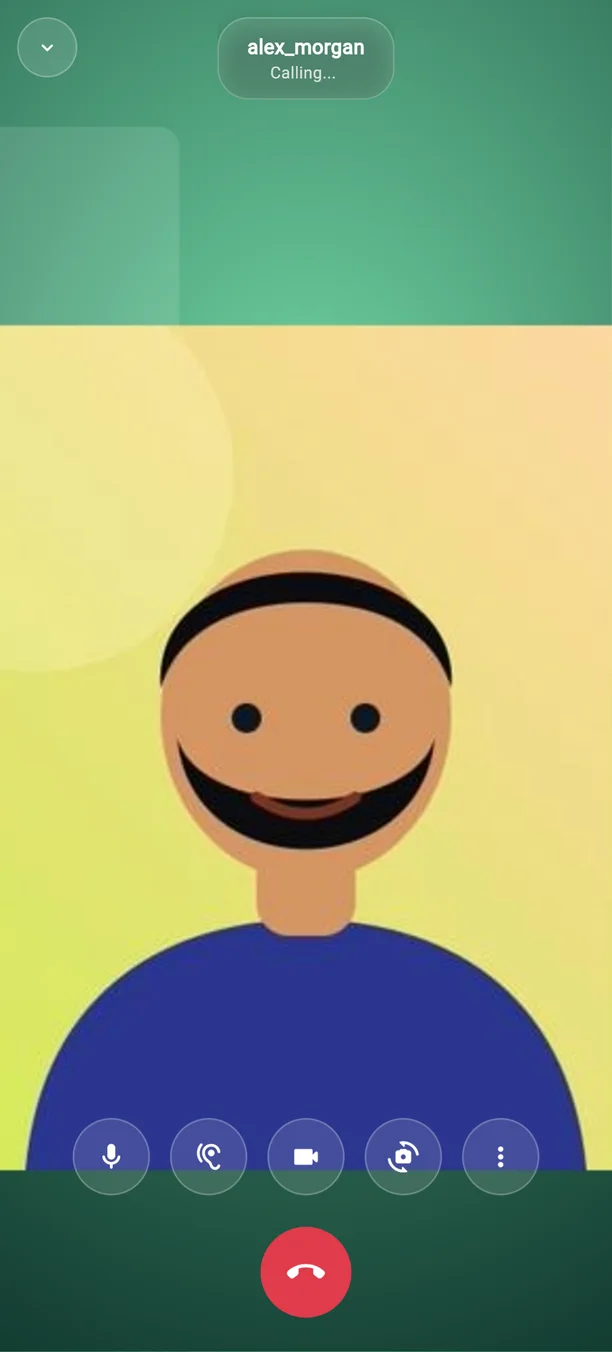
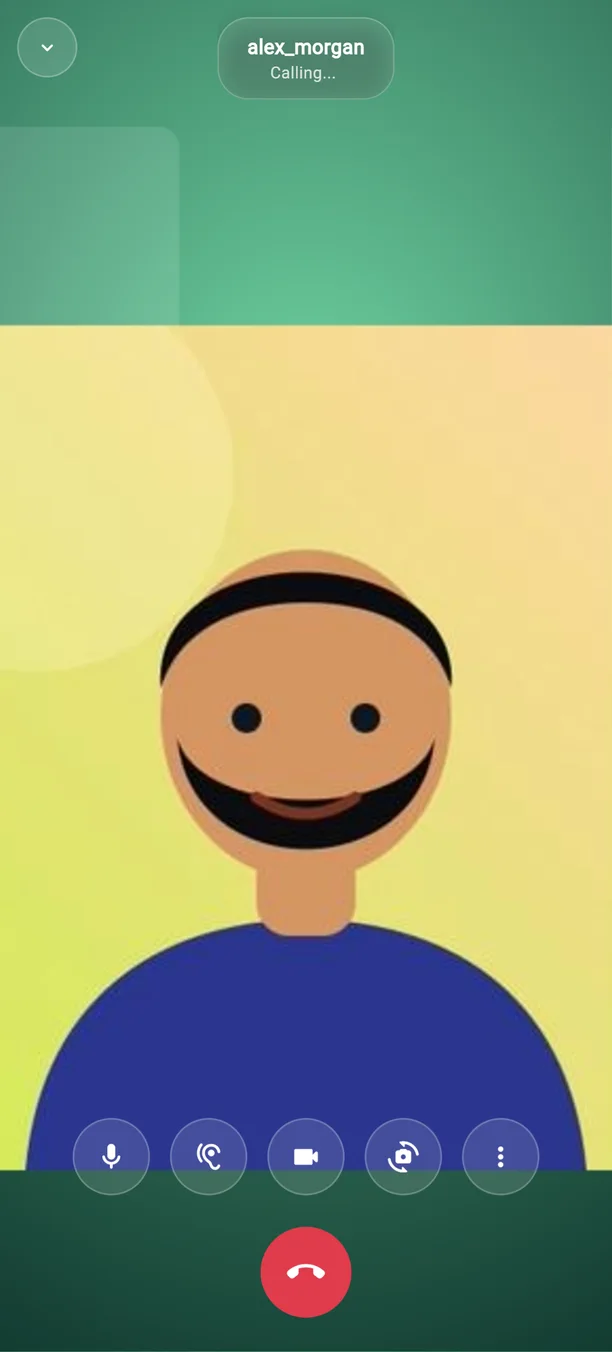
Start a call from a group chat — members get notified, a “Join” bar appears in the chat, and latecomers can join at any time. During a regular call, use “Add to call” to bring in a third or fourth person — it becomes a conference of up to 300 people. You see the status of every invite: calling, ringing, joined, declined, busy, no answer. Only you can remove the people you added; the conference can be collapsed into a small panel.
🧭 How to use
- 1
Open a group → 📞, or ➕ during a call
- 2
Choose people
- 3
Follow the invite statuses
Other features in this section
Voice call
Clear audio, speaker and headset switching.
More detailsVideo call
Crisp video starting at 720p.
More detailsShare screenAndroid
Show your phone screen to the other person.
More detailsRecord a callAndroid
Only with consent — audio or video.
More detailsCall ringtones
16 signature ringtones and 12 notification sounds.
More details
Welcome to the next-generation messenger
Free. No ads. Get started in one minute.