
Record a call
Only with consent — audio or video.
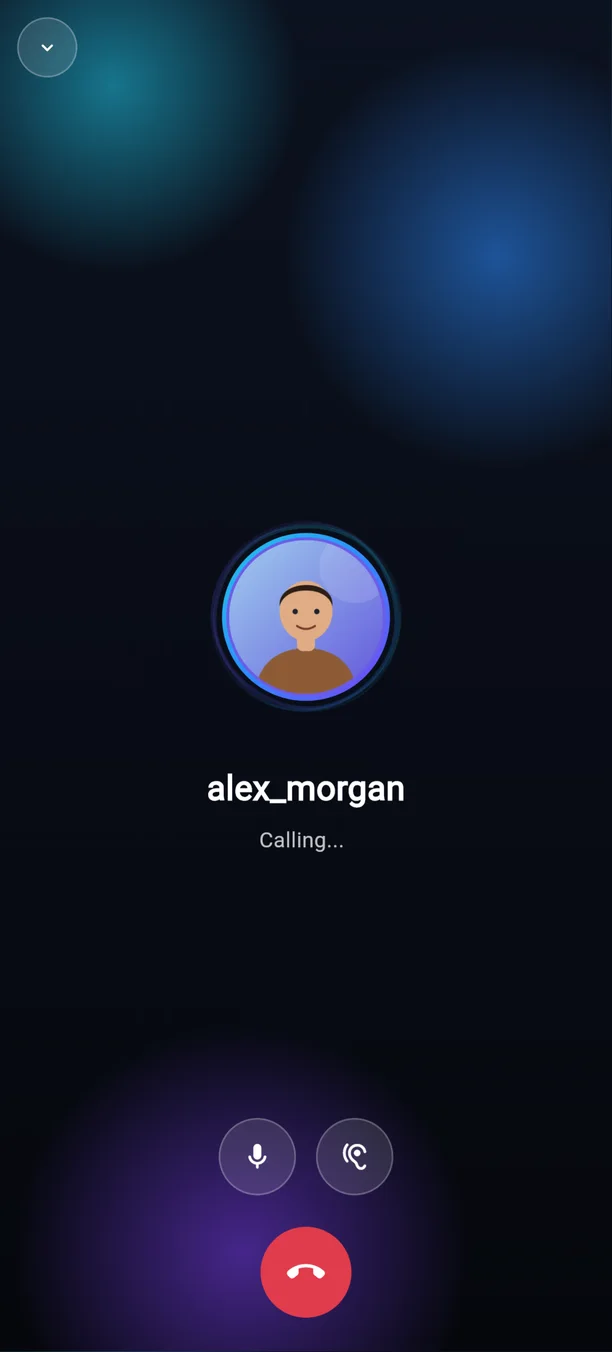
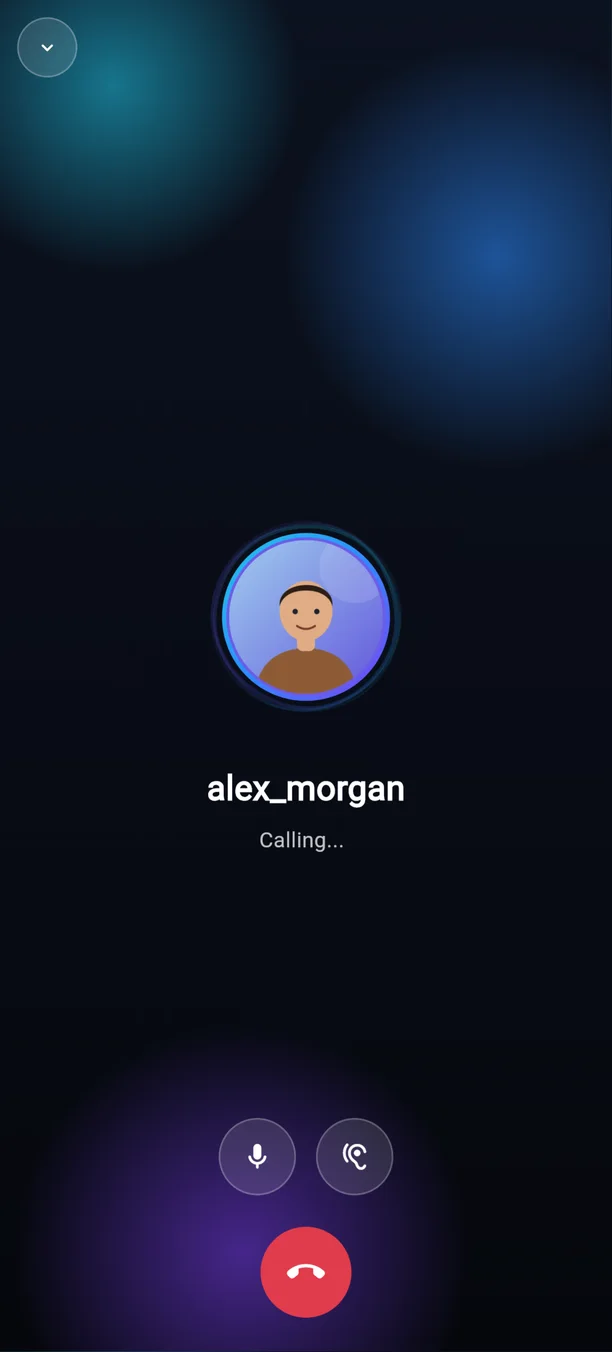
To record a call, a request is sent to the other person — recording starts only if they agree, and a REC badge shows on both screens. A voice call lands in the chat as a voice message, and a video call as an MP4 showing both faces (up to 60 minutes). In a conference, everyone must agree within ~7 seconds, and the recording goes to the Saved Messages of every member who agreed.
🧭 How to use
- 1
During the call, tap the REC button
- 2
Have the other person give consent
- 3
The recording appears in the chat when finished
Other features in this section
Voice call
Clear audio, speaker and headset switching.
More detailsVideo call
Crisp video starting at 720p.
More detailsShare screenAndroid
Show your phone screen to the other person.
More detailsGroup calls and conferences
Up to 300 people — turn even a regular call into a conference.
More detailsCall ringtones
16 signature ringtones and 12 notification sounds.
More details
Welcome to the next-generation messenger
Free. No ads. Get started in one minute.