
🎵
Universal media player
Audio, video, music, movies, and voice messages.
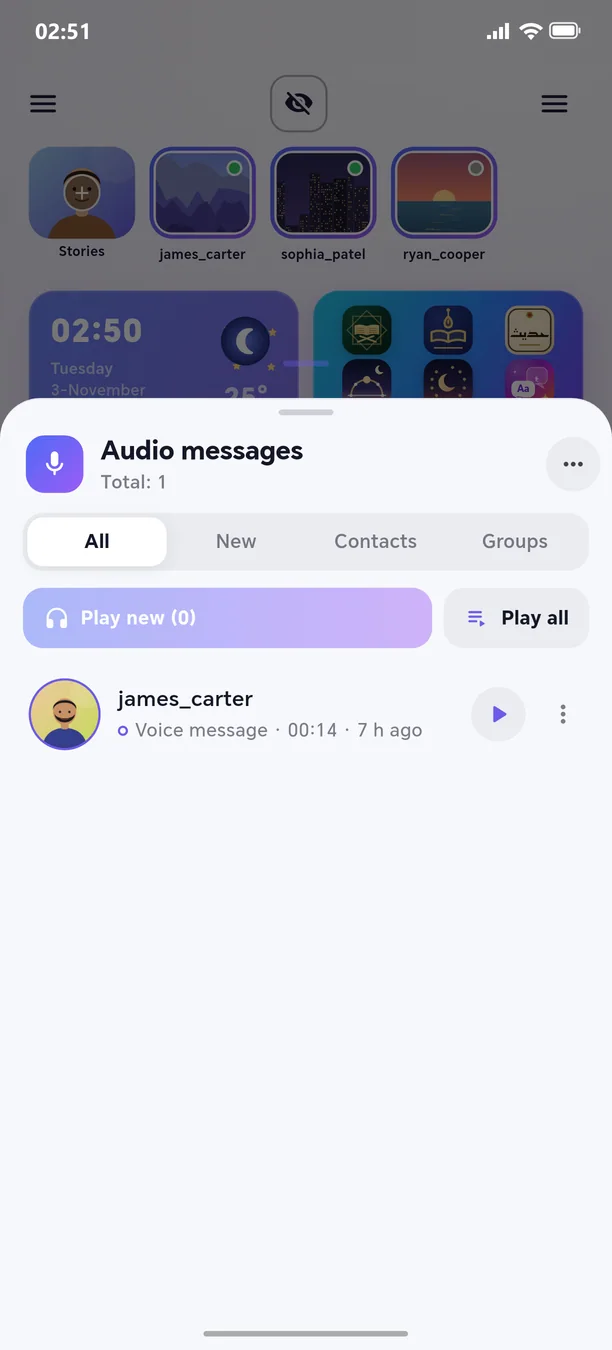
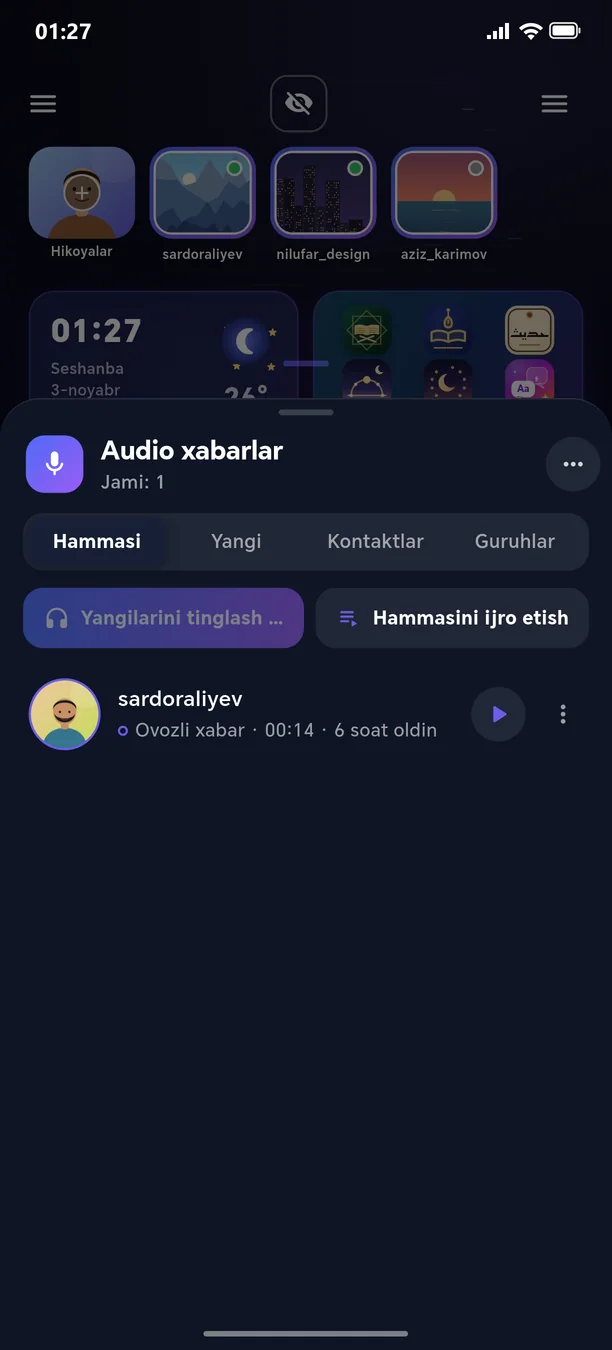
The “Media” hub on the home screen has Audio, Video, Music and Movies tabs: new voice and video messages from all your chats in one place — whatever you listen to counts as read, and there's “mark all” too. Playback continues in a mini player when you move elsewhere in the app, and control buttons appear even on the lock screen.
🧭 How to use
- 1
Home screen → “Media”
- 2
Choose Audio, Video, Music, or Movies
- 3
Listen in the background too
Other features in this section

Welcome to the next-generation messenger
Free. No ads. Get started in one minute.