
App lock
With a PIN, pattern, or fingerprint.
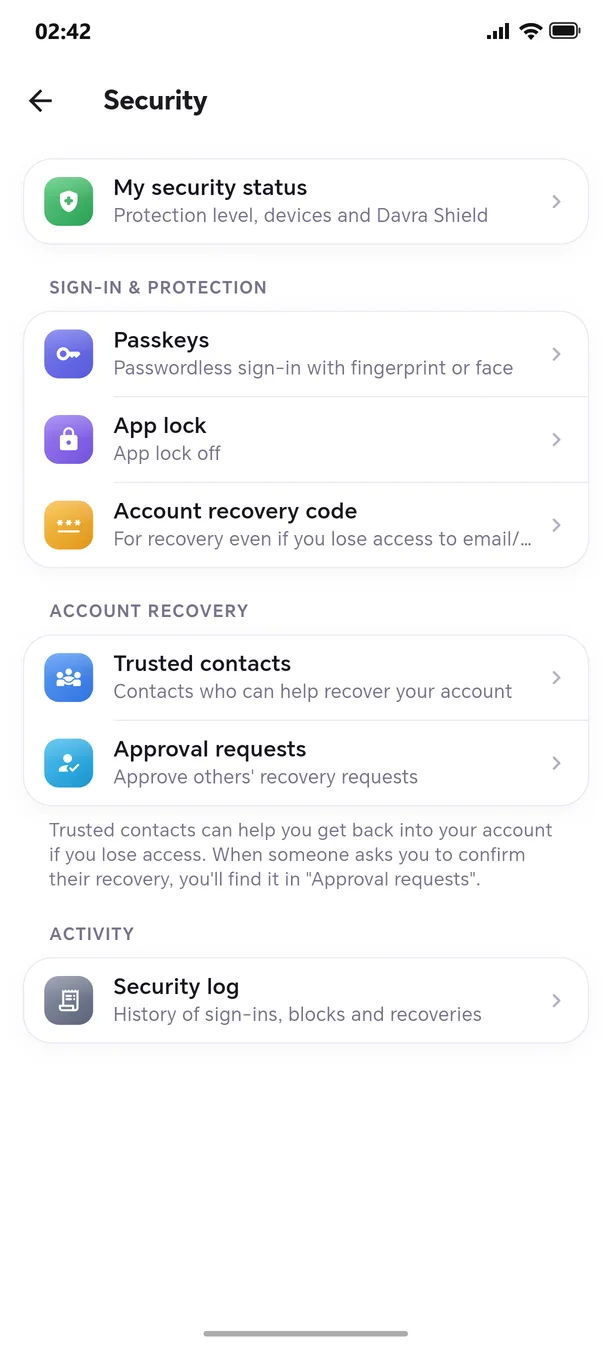
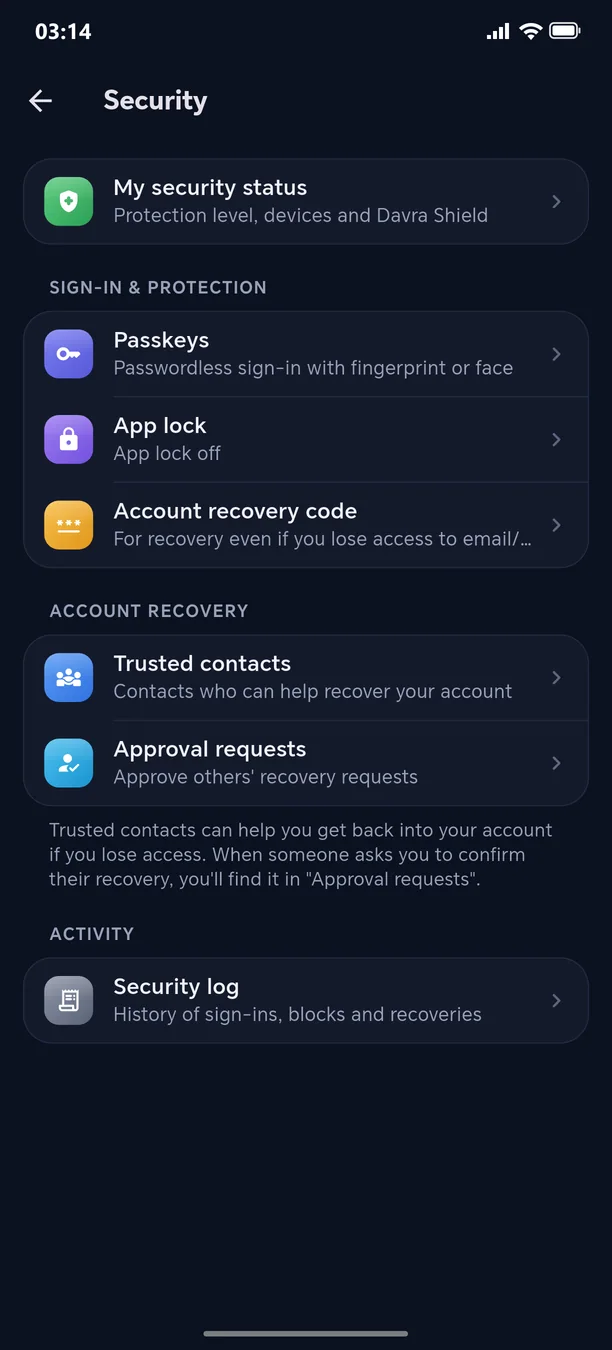
Require a PIN, pattern or fingerprint to open the app, and choose when it locks: immediately, or after 1, 5 or 10 minutes or 1 hour. “Duress PIN” — if someone forces you, enter it and an empty decoy home screen opens. The lock is stored only on this device; if you forget it, restore access with your password or passkey. The lock won't get in the way while the gallery or camera is open.
🧭 How to use
- 1
Settings → Privacy and security → «App password»
- 2
Choose the method and lock timing
- 3
Add a “Duress PIN” if you wish
Other features in this section
Passkey — passwordless sign-inNew
With your fingerprint or face — nothing to steal.
More detailsShield Max
Passkey only — password sign-in is shut off entirely.
More detailsDevices and sessions
See where you are logged in and log out the stranger.
More detailsRecovery code and trusted contacts
Your account can be recovered even if you lose access.
More detailsMy security status
Your protection level on one screen.
More detailsVerify the security code
Confirm that your conversation partner is really who they claim to be.
More details
Welcome to the next-generation messenger
Free. No ads. Get started in one minute.